PS+ Guide
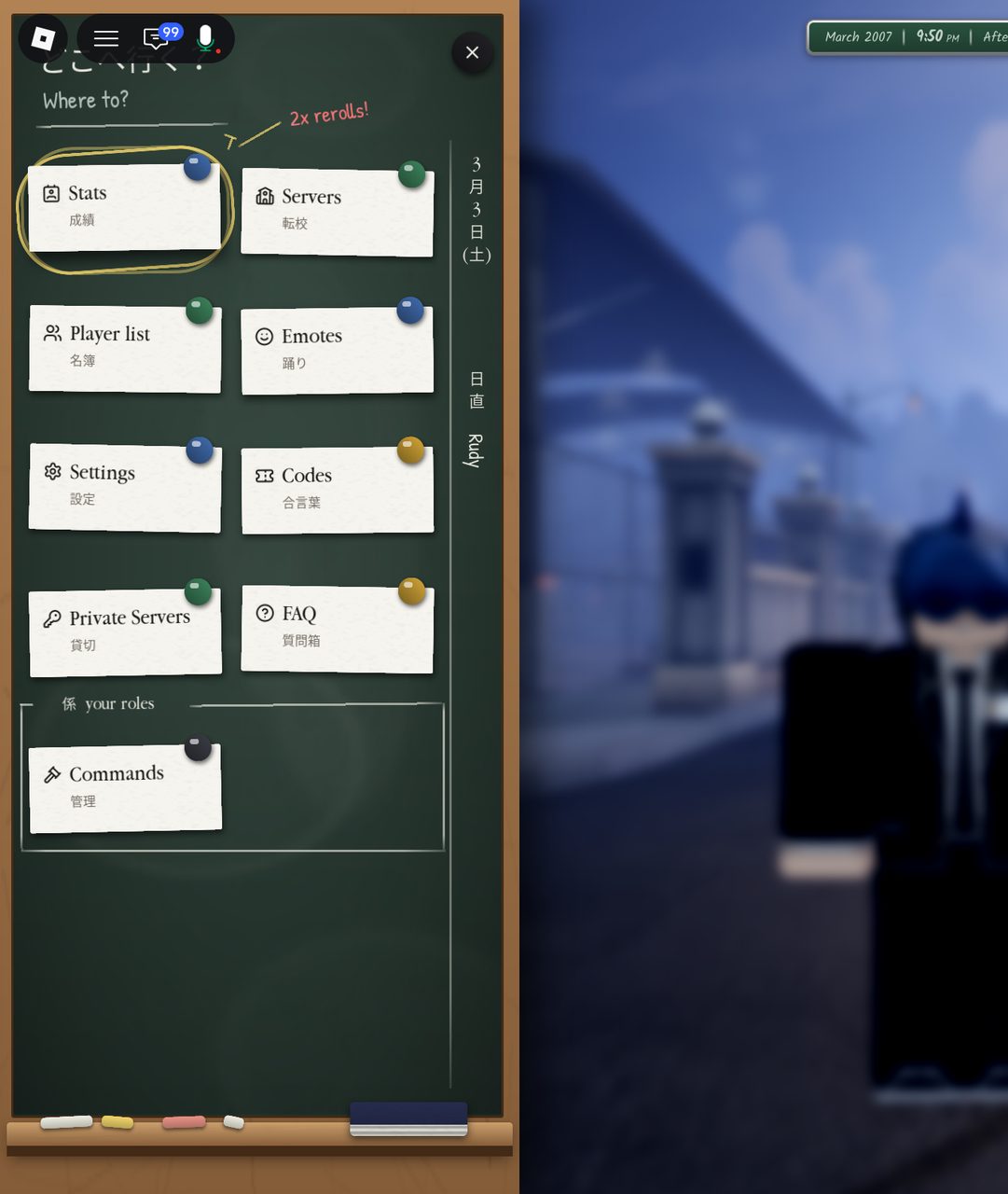
To open the PS+ Command panel, open the left menu and select “Commands.”
Server Commands:
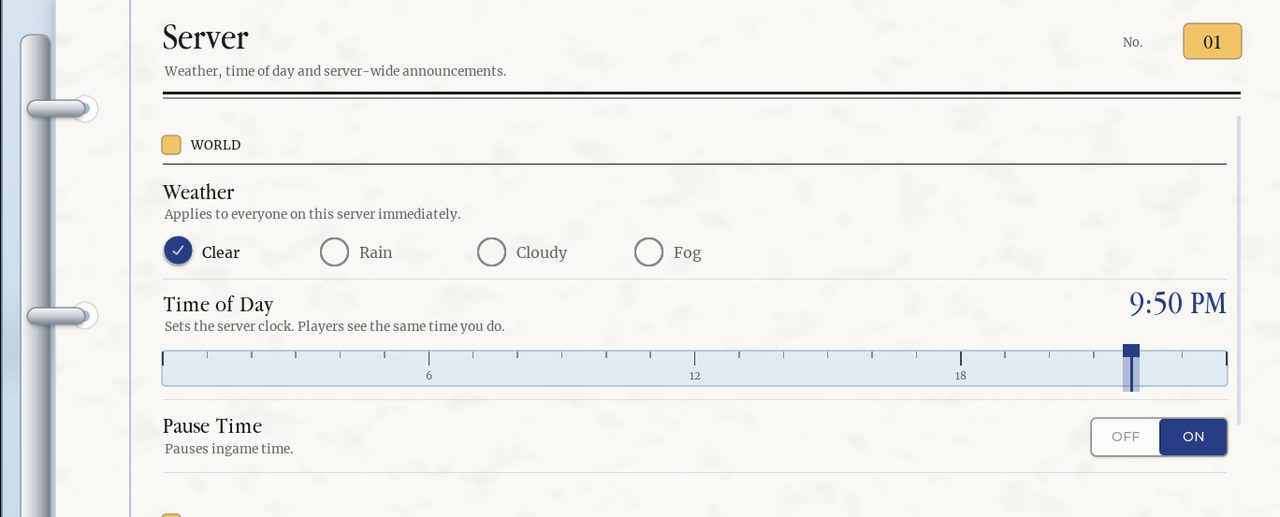
Once the command panel is open, you are greeted by a few miscellaneous server options. First, are the weather and time of day, which can be controlled via slider and buttons.
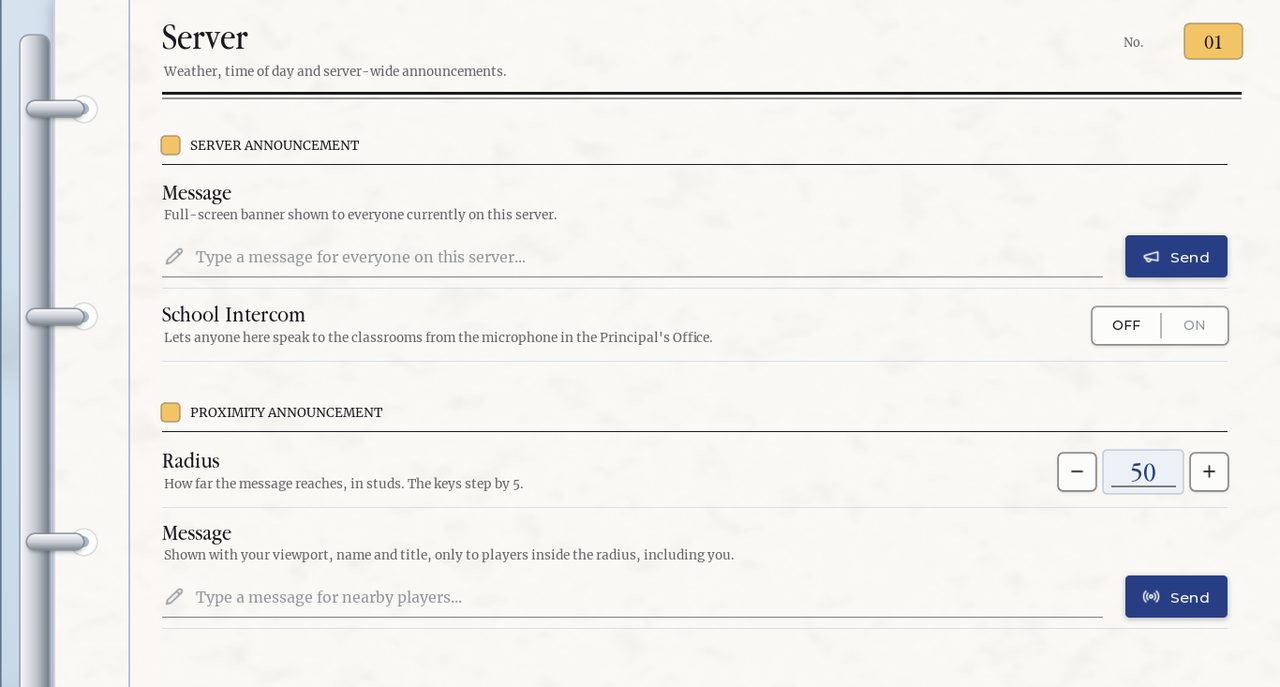
On the second half of the miscellaneous server options, you are able to do two types of announcements: Proximity and Server. Server announcements send messages to the entire server, while proximity announcements send messages to those around (via a controlled radius). More specifically, it will send messages to people that are within a given distance around you. The unit of measurement used is studs.
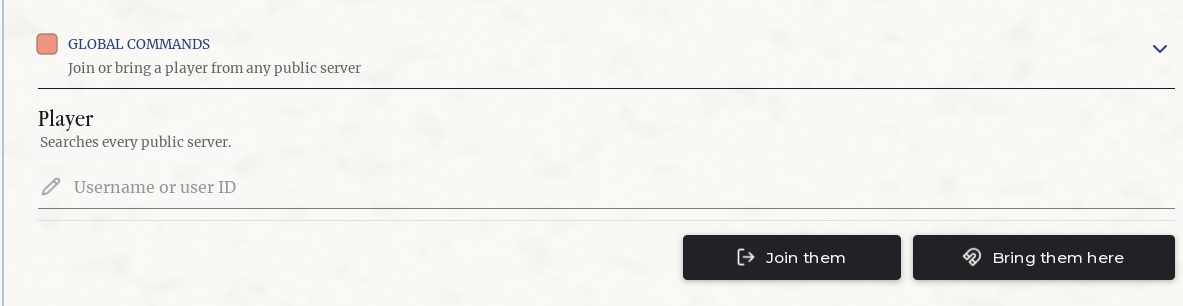
Lastly, there are a few global commands that are self-explanatory:

Individual player commands:
Next, is the “PLAYERS” tab, which allows for commands that can be used on singular persons.
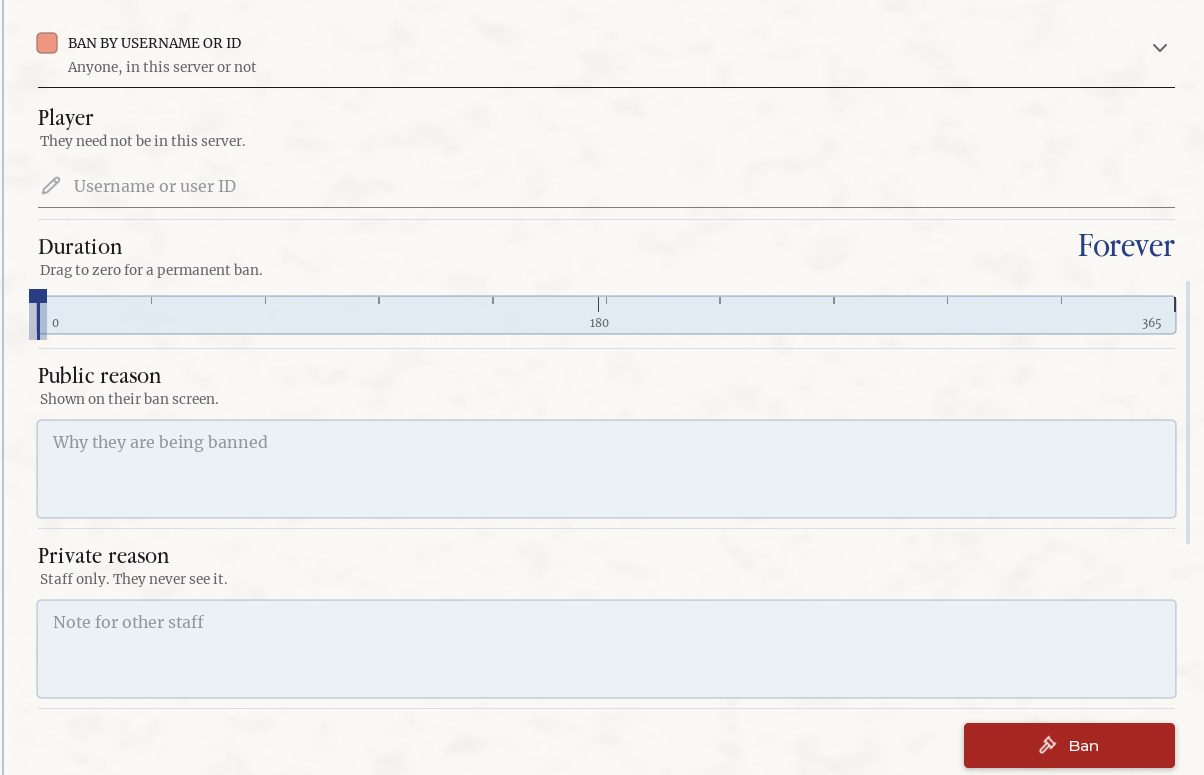
The first tab is self-explanatory; it allows you to ban players for a determined duration:
At the top of the "PLAYERS" tab, you can search and scroll through any active members within your server.

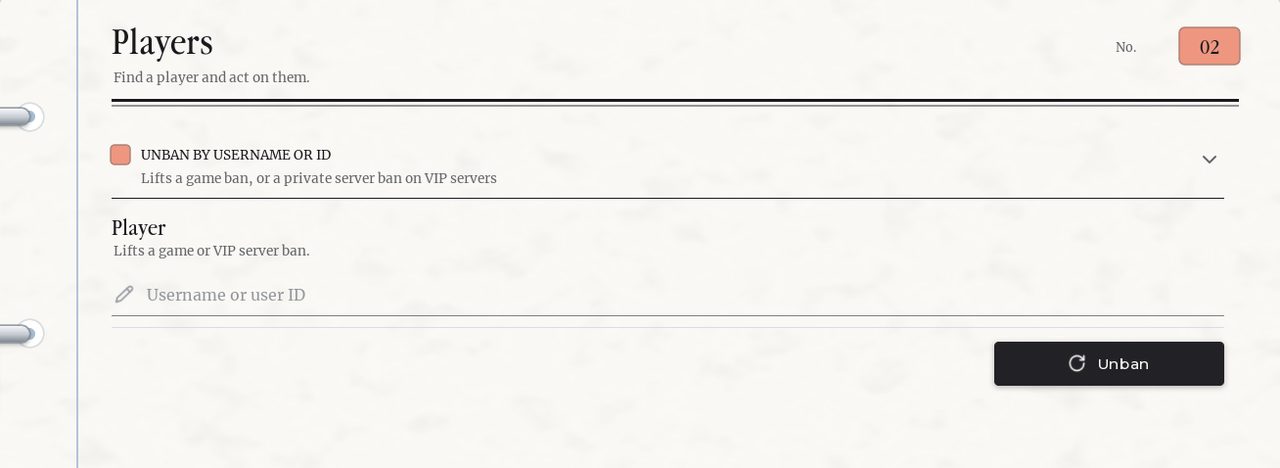
You can also unban any banned players:
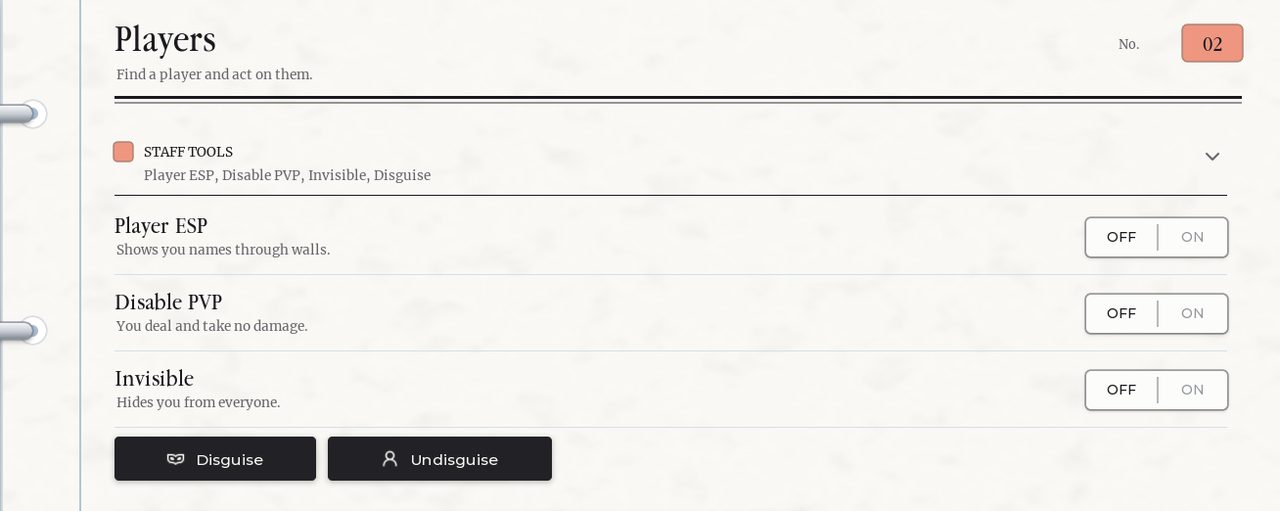
By clicking on a player, you can run a multitude of commands on them, including:
Actions:
- Bring
- Go To
- Respawn
- Heal
- Kick
Role: - Set Role (Choose between all available roles created)
- Panel Access (Grants Admin)
State: - Godmode
- Freeze
- Invisible
- Fly
Sight: - ESP
- See other health bars
- Freecam range (5-5000)
Movement: - Walk speed (4-60)
- Reset Walk Speed
Ban: - Duration (Forever, 1-365 days)
NPC Commands:
Under the “NPC” tab, you can spawn various NPCs with different purposes (including ones with AI). First, you can spawn a basic NPC that will sit in the seat nearest to you.
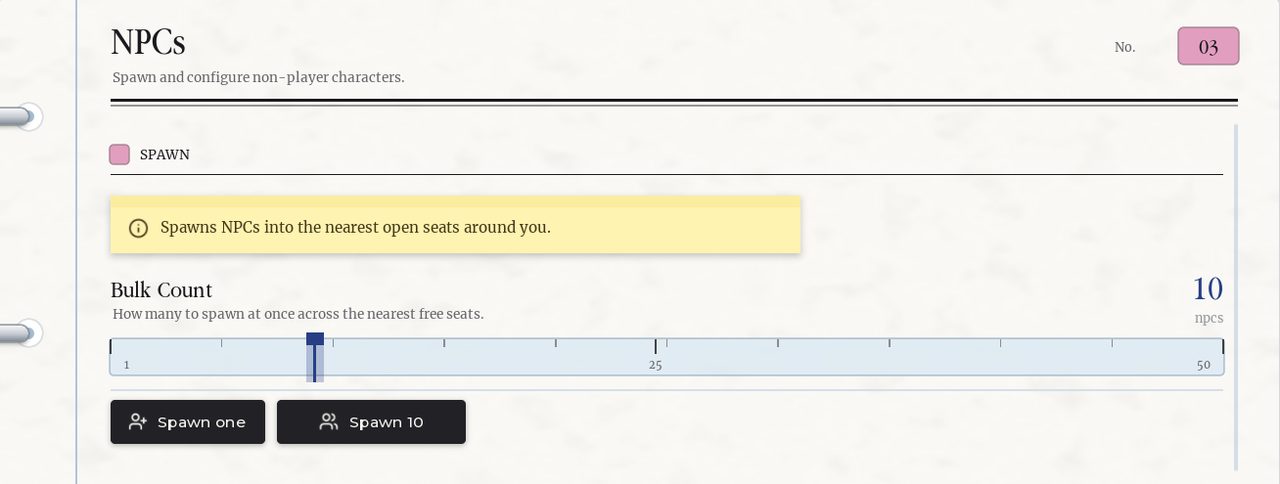
The second command allows you to spawn 1-50 NPCs that will all sit at the nearest free seat (relative to you).

The third command with spawn 1-120 NPC’s Infront of you in a crowd.

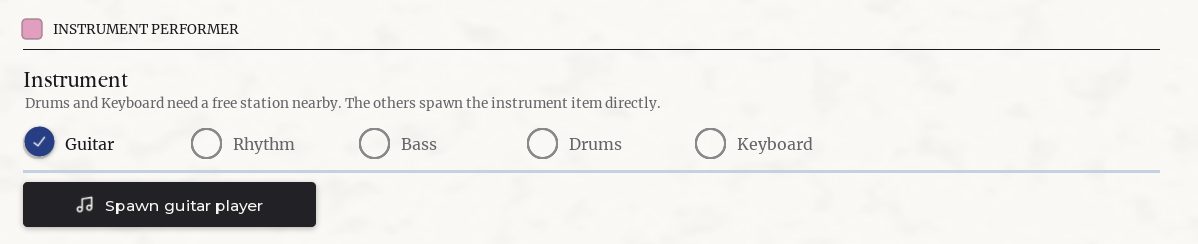
The fourth command will allow you to spawn NPCs on instruments; they will perform with you. For drummer and keyboard NPC’s they need a free instrument, the other type of performers will spawn with their instrument.
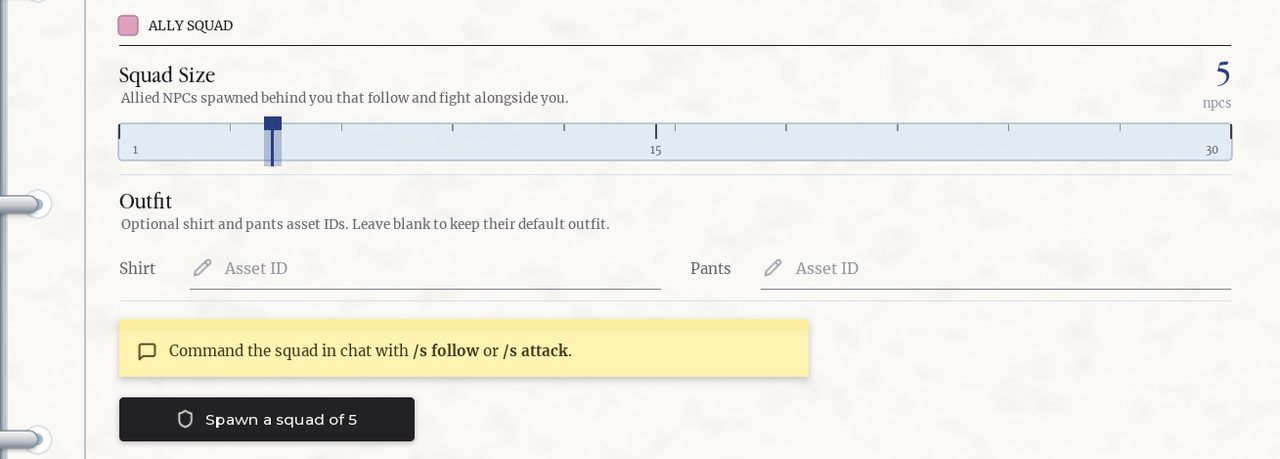
The fifth command will spawn an Ally Squad of NPCs that will follow behind you. They can will also fight alongside you. You can command them with: “/s follow” and “/s attack”. You can also give them specific clothing.
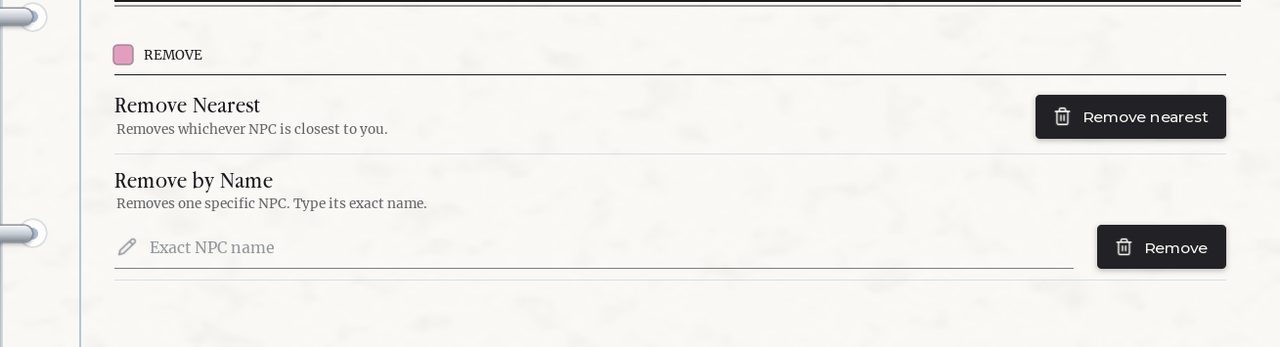
The last command allows you to remove the nearest NPC near you. You can also type their name to remove them.
Role Commands:
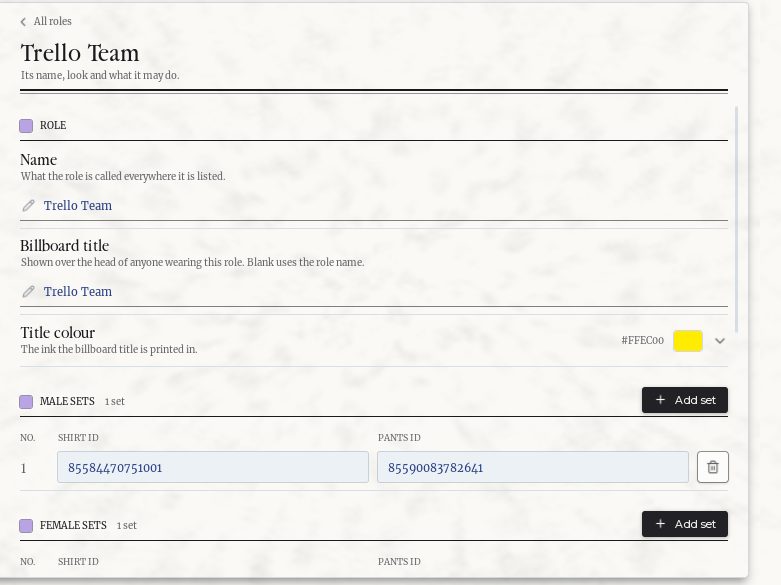
You can create various roles within your private server that you can give other people (via the aforementioned player commands).
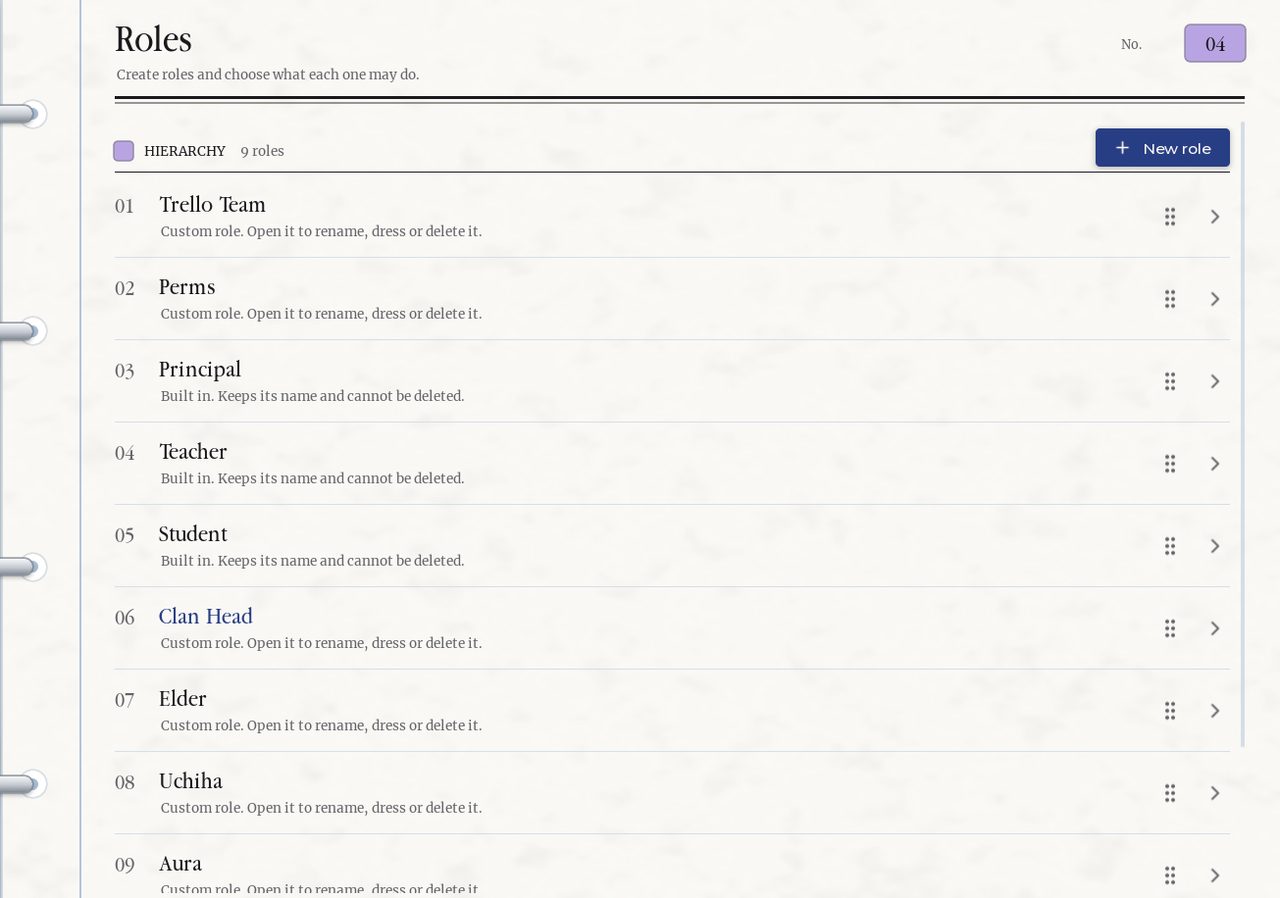
You can customize the role color, if they have admin (panel access), and clothing.
Area Commands:
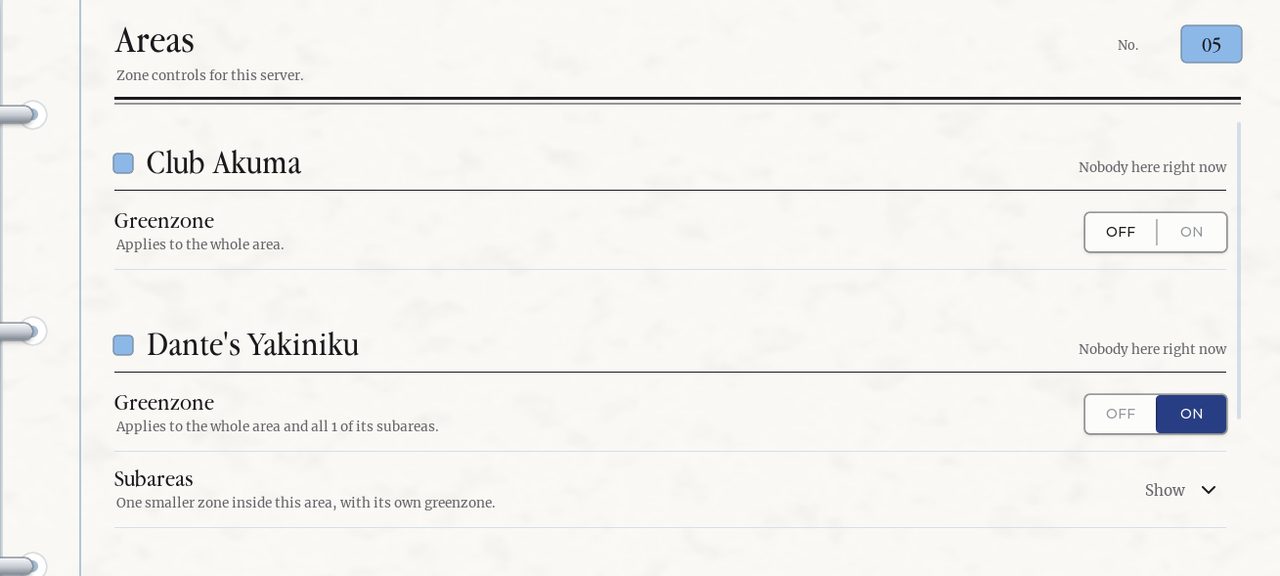
The last panel allows you toggle green zones (safe zones) for different areas. It also shows where players are.
Music Commands:
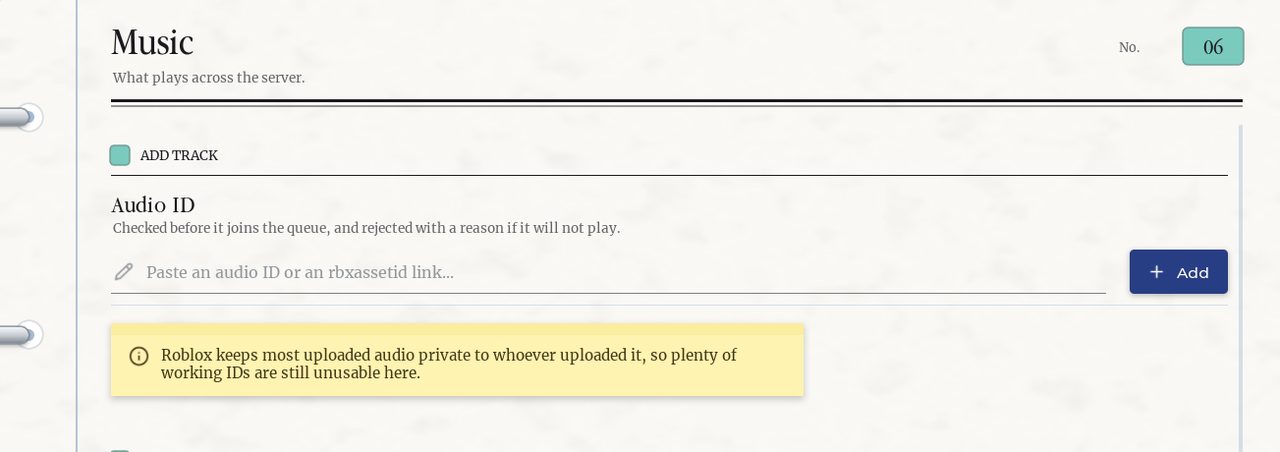
The first command under the music section allows you to paste song IDs to play. Pasting more than one will build a list with a queue.
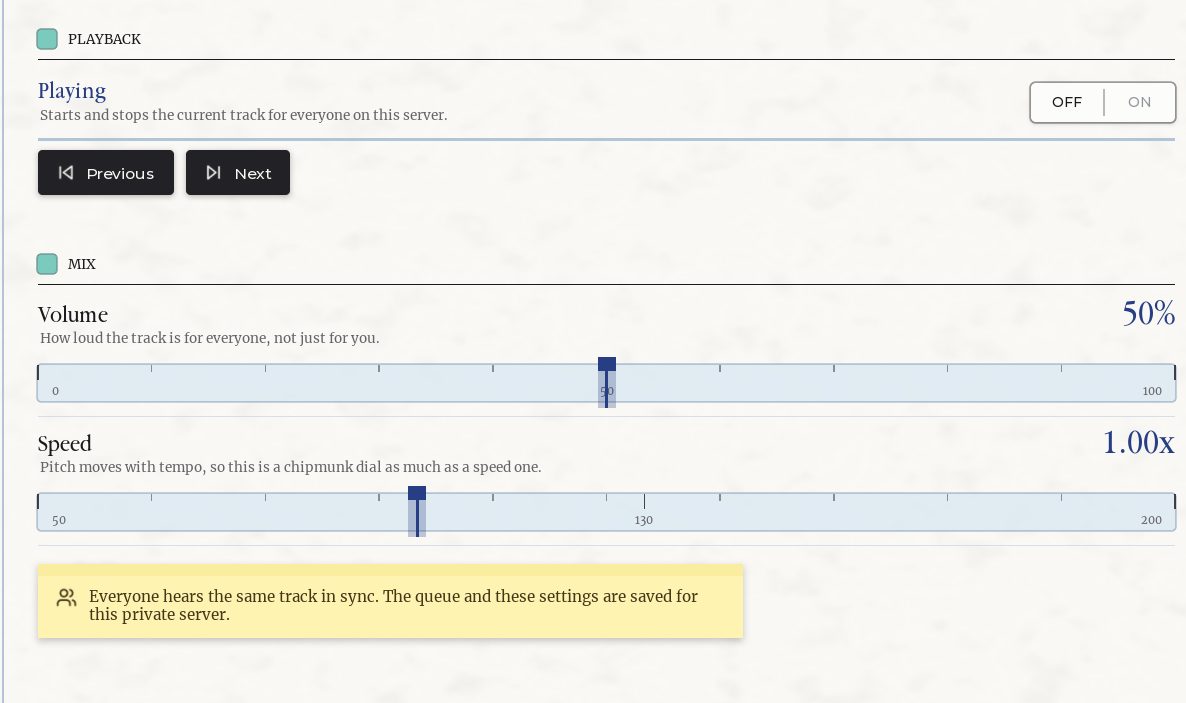
The Final Commands (Mix and Playback) allows you to skip, return, pause, play, songs. You can also control the speed and volume of the songs.
Basketball Commands:
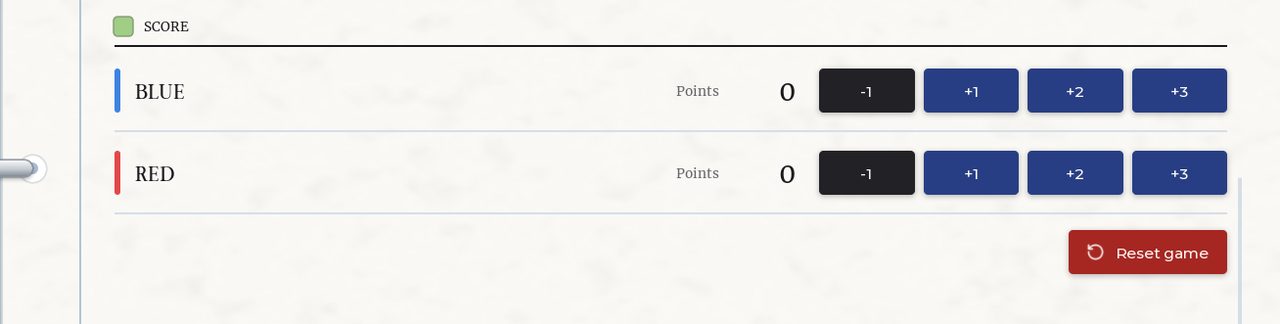
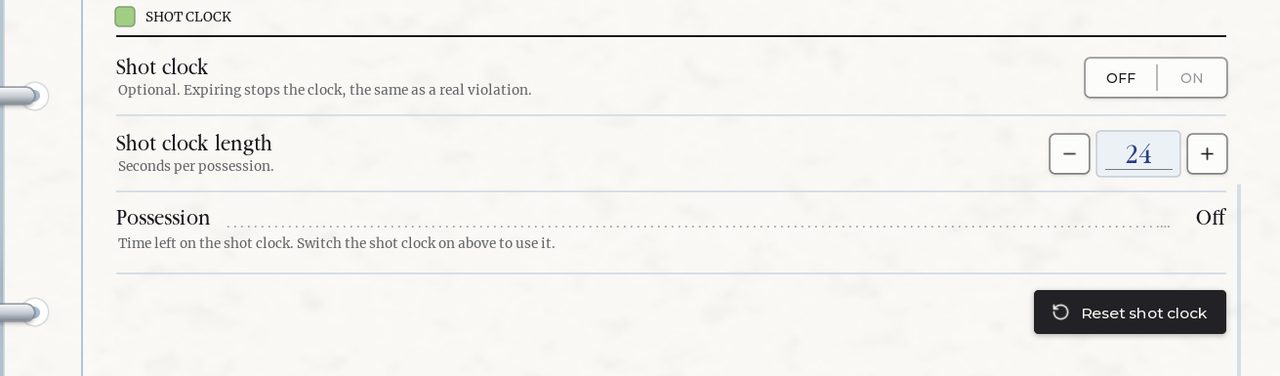
Within the PS+ command panel there is a section for basketball featuring many customization options such as:
Team
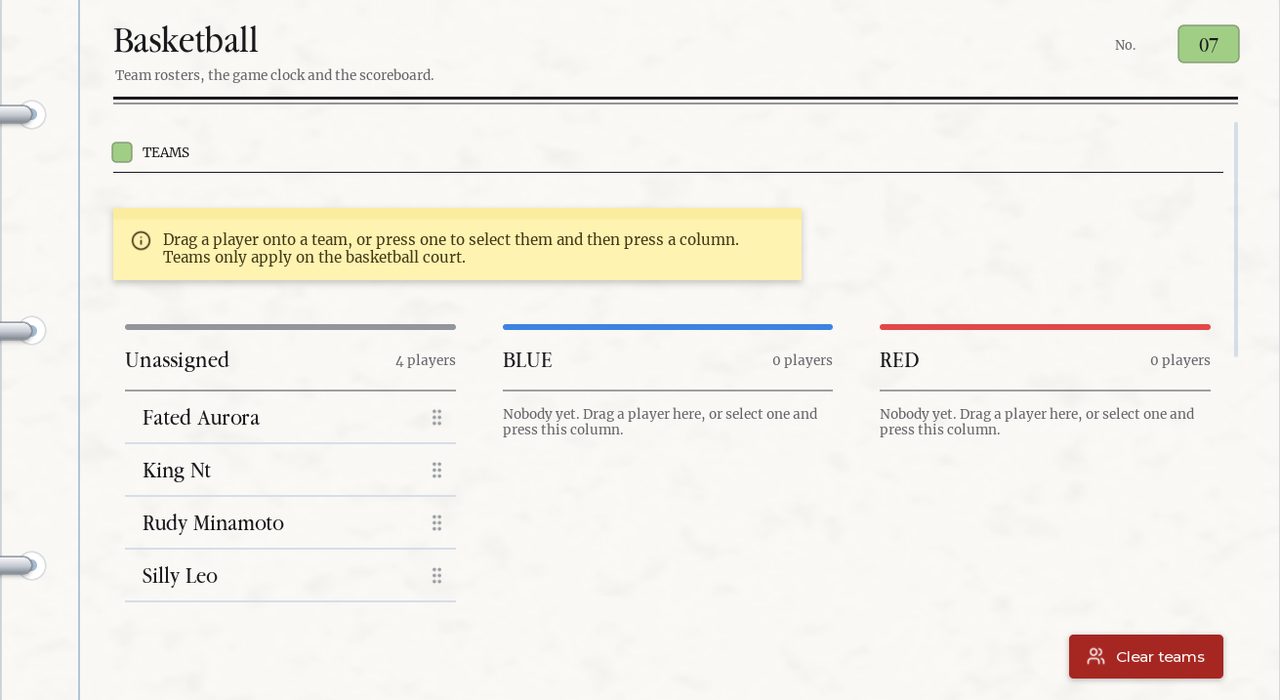
Team Customization
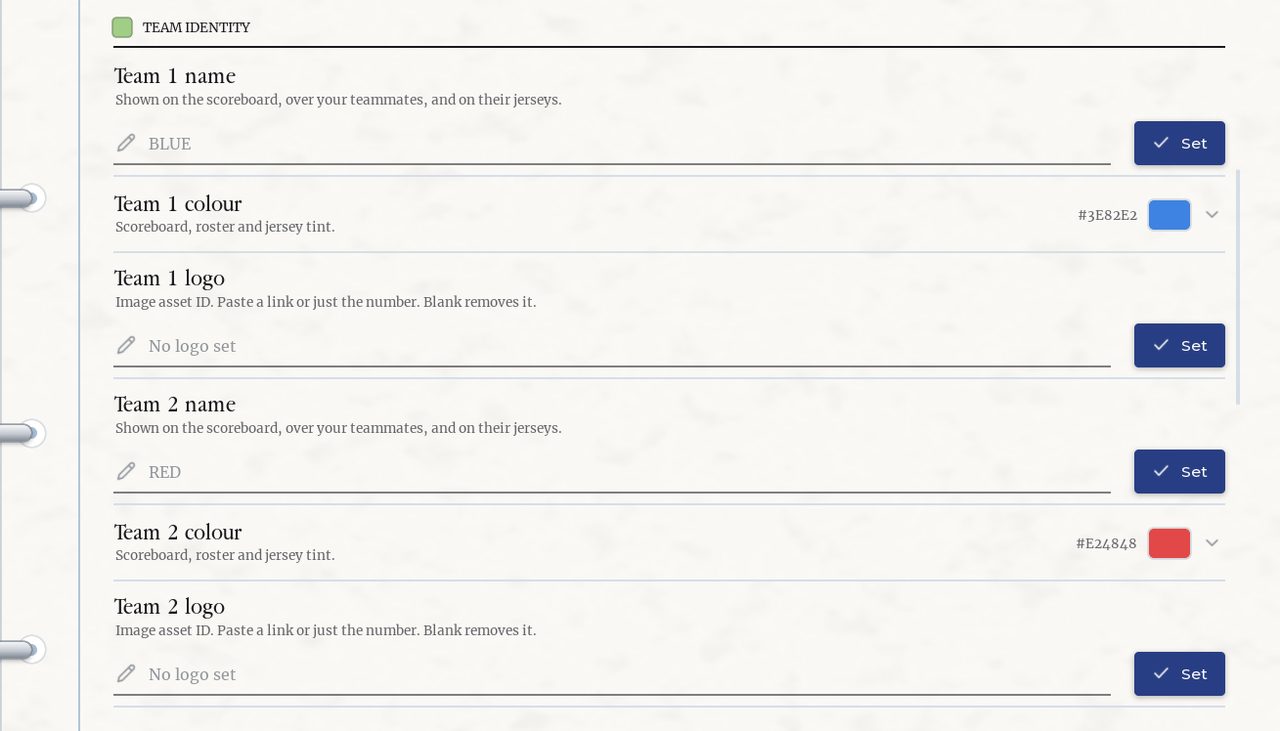
Game timing
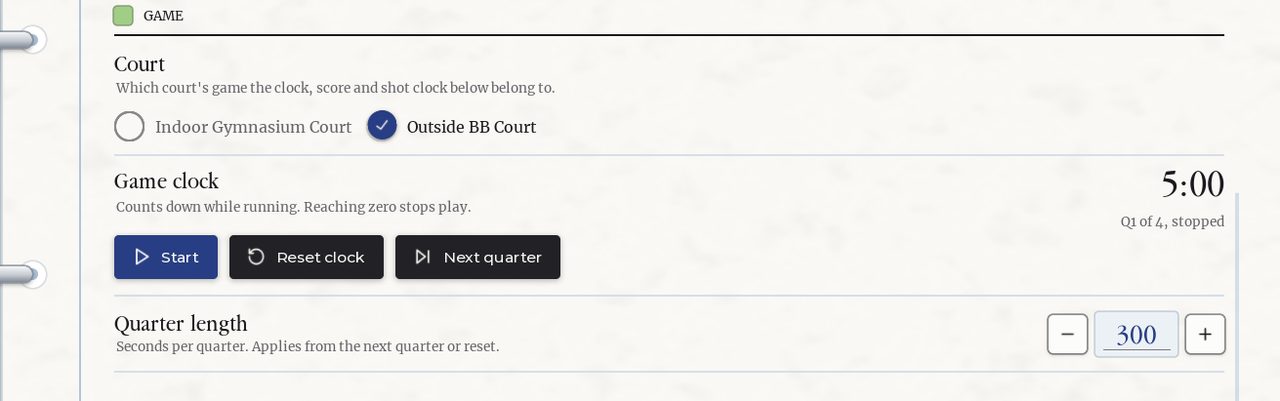
Score
And shot clock
Volleyball Commands:
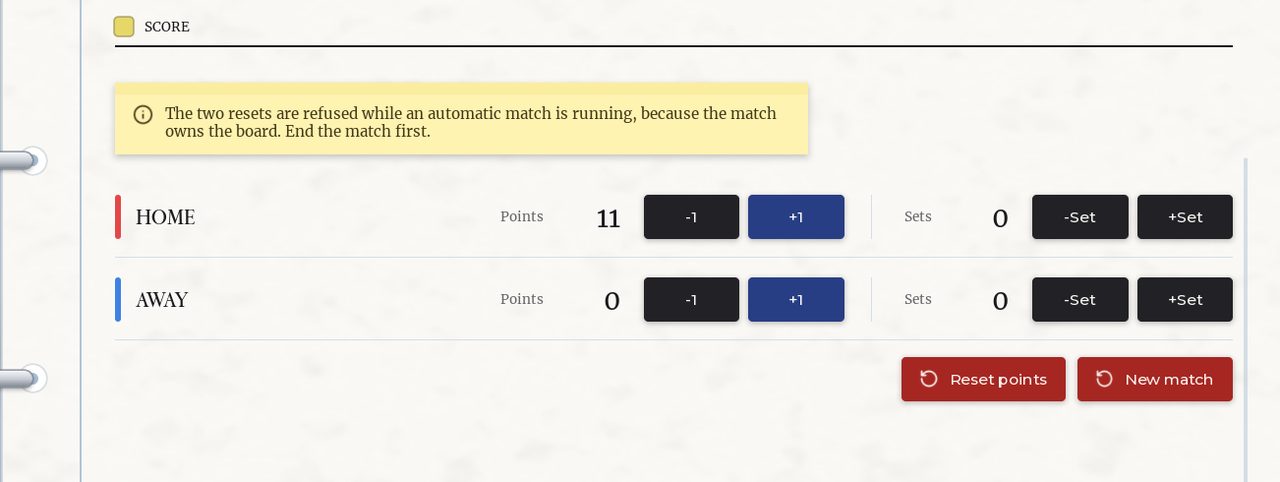
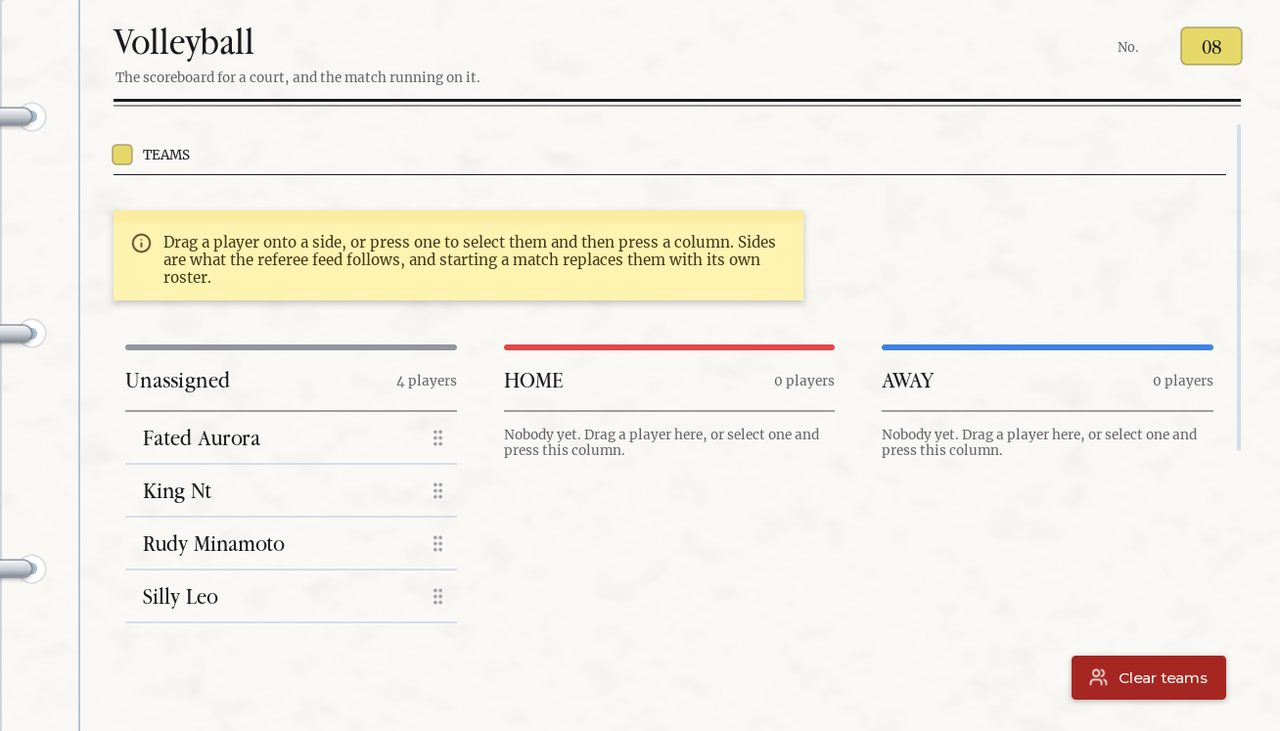
Within the PS+ command panel there is a section for volleyball featuring many customization options such as:
Team
Game

Score