Chalk Boards
Within every classroom there is a chalk and erasers box:
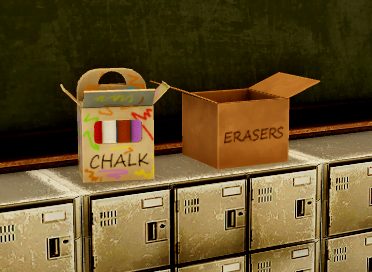
To grab a piece of chalk, walk up to the box and use the interact button (E/X Button/Square/Tap). After interacting with the box, you will be greeted with this UI:
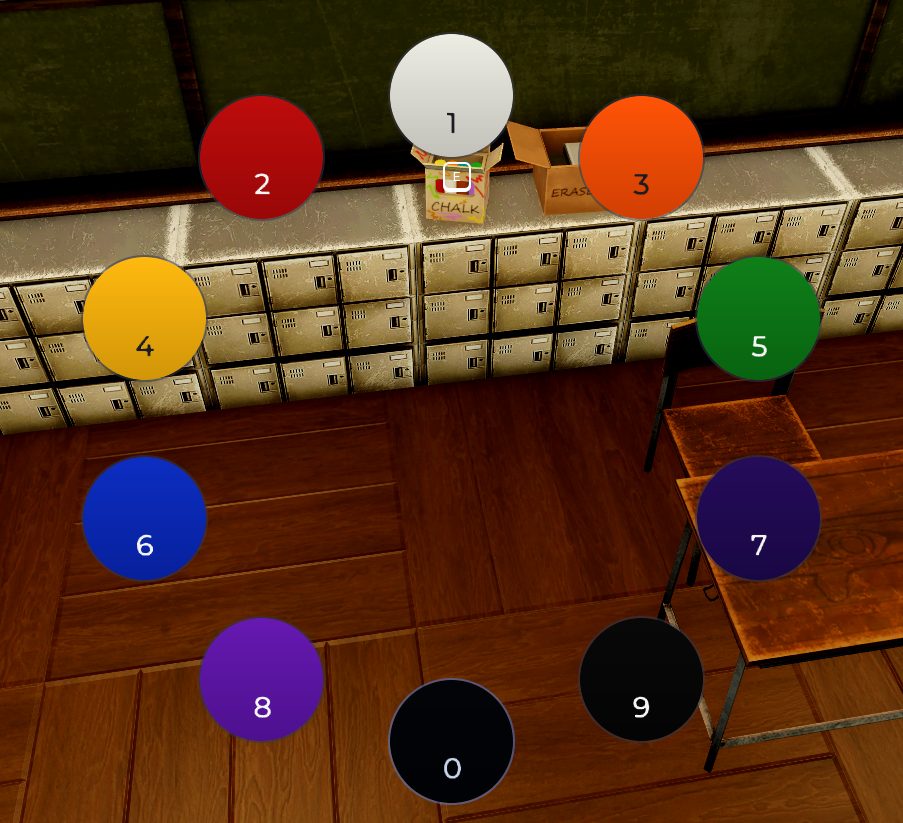
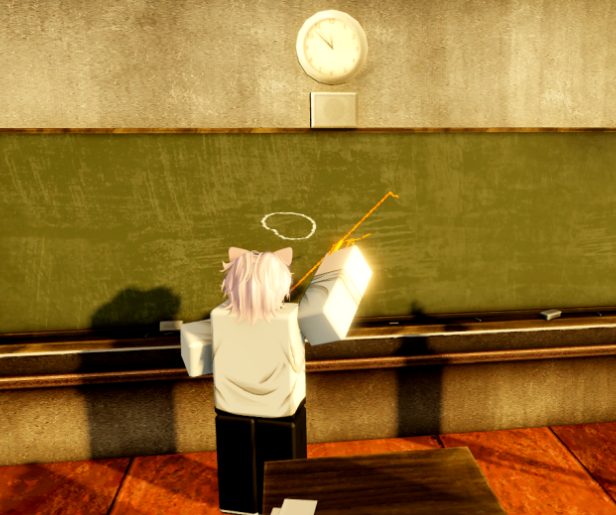
You can then select the color you would like to use, and you will be given a piece of chalk corresponding to the color you chose. You can begin drawing by clicking / tapping the board. You can hold two different chalk colors at the same time, as well as chalk and an eraser at the same time. Use the DROP ITEM key bind to swap items between hands or drop items.

To erase, just interact (E/X Button/Square/Tap) with the eraser box and you will be given an eraser. Similarly to drawing, you can erase by clicking/tapping the board over the lines to erase them.