Misc
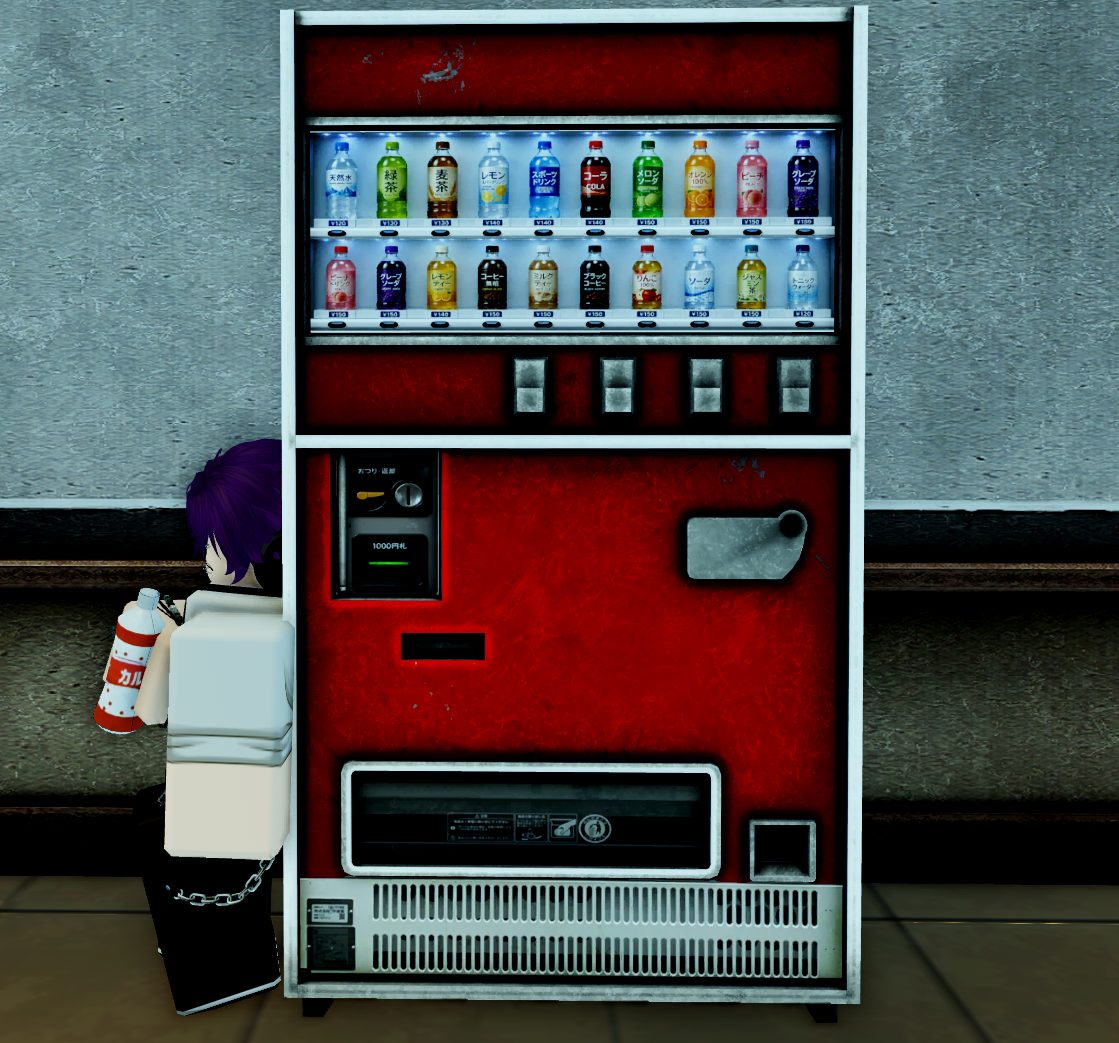
Vending Machines:
To use vending machines, you must first walk up to it and press the interact button (E/X Button/Square/Tap) which will greet you with a UI to purchase drinks
Trashcans:
Trashcans can be found located all over the school. Trashcans are only interactable if you are holding an item; they can be used to dispose of:
- Empty/Full cans from a vending machine.
If you try to dispose of something non-disposable, you will be greeted with a message stating:
“No way i’m tossing this.”
“I’m keeping this.”
“Not getting rid of this.”
“This isn’t trash.”
“I’m not throwing this out.”
“I still need this.”
Placing / Dropping:
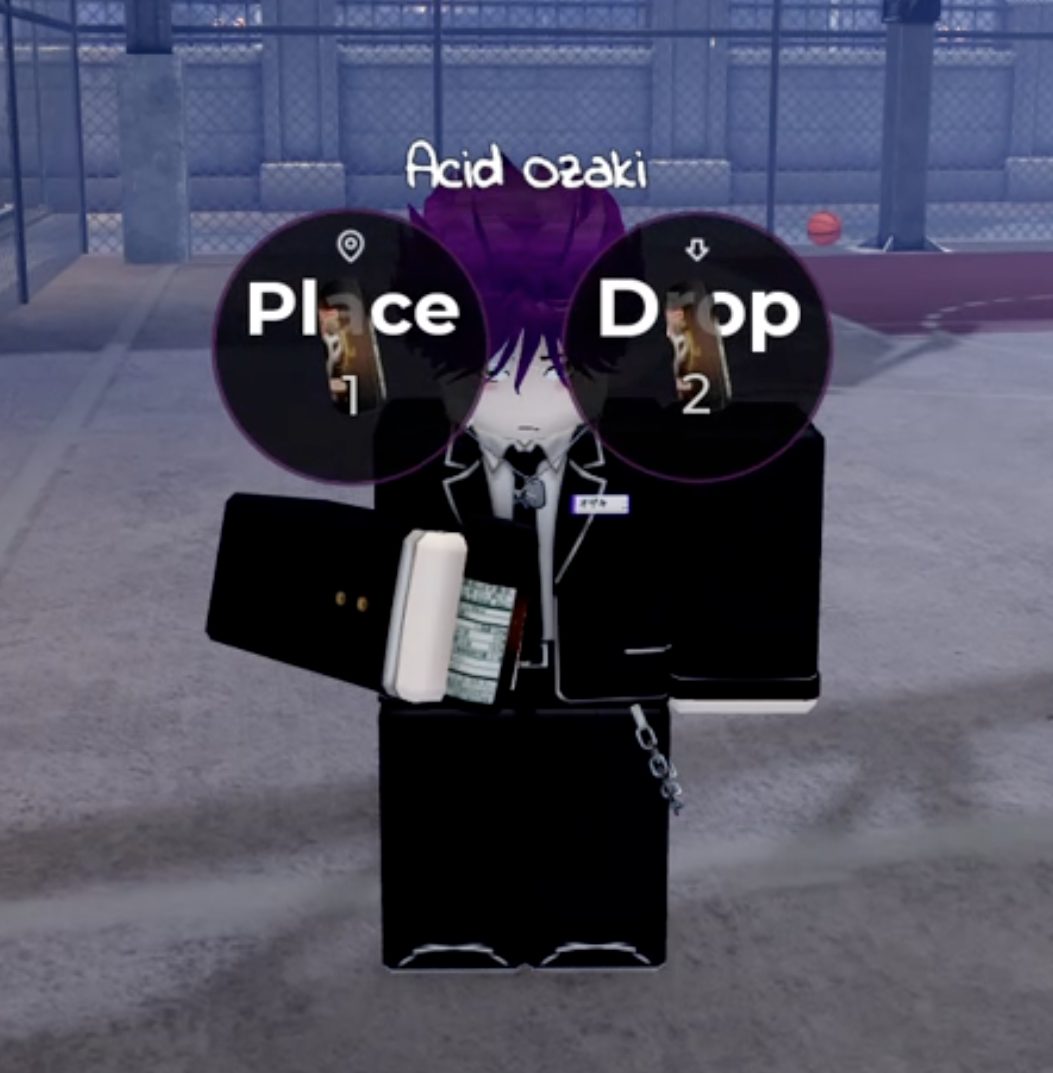
You are able to choose between placing and dropping items by pressing backspace while holding something.